TL;DR
Construction management software runs from free to more than $200,000 a year, and most of the market will not show you its price up front. The short version:
- What you will pay. Most small teams that pay land between $100 and $500 a month. The cheapest paid per-user platforms are $29 to $49 per user per month, residential all-in-one tools $150 to $400 a month, and enterprise or commercial platforms are quote-only, from about $10,000 to over $200,000 a year.
- The numbers are hidden. The biggest names, Procore, Buildertrend and Autodesk among them, publish no price at all, and competing guides quote figures that are stale or contradictory. Every price in this guide is checked against the vendor’s own page and dated.
- The sticker is not the bill. Implementation, training, data migration, integrations, per-seat creep and annual renewal uplift of 5 to 14 percent often move the real cost more than the headline rate.
- Two easy savings. Paying annually usually cuts 10 to 25 percent, and up to about 40 percent on some tools. A platform that includes subcontractors and clients free can also undercut a cheaper-looking one once the whole project is on it.
- Compare on total cost, not the monthly fee. Run every finalist through a three-year total cost of ownership. The tool with the cheaper sticker often loses once hidden costs load in.
- Where PlanRadar fits. Per-user, published pricing from $32 per user per month billed annually, unlimited free subcontractors and watchers, and a 30-day free trial with no credit card.
What you will actually pay, at a glance
You have shortlisted three or four construction management platforms, opened their pricing pages in separate tabs, and found the same thing on most of them: a form, a Request a Quote button, and no number. One competitor guide lists a tool at $159 a user, a second puts the same tool closer to $19,000 a year, and a third does not price it at all. An afternoon that was meant to end with a budget ends with more tabs open than when it started.
That gap is why this guide exists. Most of the category explains pricing models but hides the numbers, and almost no one says when a figure was last checked, which is how the same tool ends up carrying three different prices across three articles. Below is what construction management software costs in the United States in 2026, checked against each vendor’s own pricing page on 2 September 2026 so you can verify it yourself.
Most small teams that pay land between $100 and $500 a month; here’s the fuller map. A handful of tools are free, and the cheapest paid per-user management platforms run from about $29 to $49 per user per month. Residential all-in-one platforms sit between roughly $150 and $400 a month for a small team. Estimating and ERP tools climb into the thousands per year. The largest commercial platforms, Procore and Autodesk among them, publish no price at all: Procore is quoted from your annual construction volume, Autodesk from a bundle of per-user and project fees, which is why the range runs from around $10,000 to well past $20,000 a year. The rest of this guide turns that map into named, dated figures and the questions that decide where in each range you land.
What drives the price
Six factors move the price more than anything else, and knowing them tells you which lever to push.
- Team size. The single biggest driver. Per-user tools scale straight with headcount, so a five-person crew and a fifty-person contractor pay very different amounts for the same software. Flat-rate tools flip this: they cost the same whether you have ten users or a hundred.
- Features and tier. Entry tiers cover core functionalities of a given platform. Estimating, quantity takeoffs, scheduling, financials and AI usually sit in higher tiers or separate products, so the plan you actually need is rarely the one on the headline price.
- Deployment. Most modern tools are cloud subscriptions billed monthly or annually. A few ERP and accounting products still sell a perpetual license with annual maintenance, which front-loads the cost and adds a yearly upkeep fee.
- Project volume. Commercial platforms often price on a percentage of your annual construction volume rather than per seat, so the bill tracks the value of the work you run through the system, not the number of people using it.
- Integrations and add-ons. Accounting connectors, extra storage, premium support and add-on modules are commonly priced separately, and each one nudges the real monthly figure above the sticker price.
- Billing term. Paying annually instead of monthly typically cuts 10 to 25 percent off the per-user rate, steeper on some tools, and it’s one of the few levers fully in your control. Most tools in this guide show both prices; the annual figure is the one to compare on.
The tier you need, the add-ons you choose and the billing term are levers you can push in a negotiation; the other three, team size, deployment and project volume, explain why two prices for the same job come back so far apart.
Pricing models explained
Ten models turn up across the market. Most tools use two or three of them at once, and matching the model to your team is often worth more than shaving a few dollars off the rate.
- Per user or per seat. You pay for each person with an account. Best for small teams and for tools where only a core group needs access. Watch the per-seat creep as you add subcontractors and staff.
- Flat rate. One price for the whole company, often with unlimited users. Best once your team is large enough that per-user pricing would overtake it.
- Tiered plans. Good, better, best packages. The catch is that the features you actually want, estimating, financials, AI, usually sit a tier or two above the headline price, so price the tier you’ll really buy, not the entry one.
- Per project. Priced by the number of active projects rather than users. Best for firms that run a few large jobs at a time rather than many small ones.
- Percentage of annual construction volume. The Procore model, and the one you can’t estimate for yourself: the fee is quoted, never published, so your only lever is how you report the volume it’s based on. Expect it to climb every year as your business grows. Best treated as enterprise pricing you negotiate, not a rate you compare.
- Per technician. A field-service variant where the count that matters is billable technicians, not office staff. Common in HVAC, plumbing and electrical tools.
- Perpetual license plus maintenance. A one-time license fee, then 15 to 24 percent a year for support and updates. Best for buyers who prefer a capital purchase over a subscription, mostly older ERP and estimating products.
- Freemium or free. A free tier or a fully free product, usually capped on users, projects or storage. Best for solo operators and trials, as long as you know when the free plan stops being free.
- Usage based. You pay for what you consume: storage, API calls, active-user-days. Best for uneven workloads, though it makes budgeting harder to predict.
- Modular. A base platform plus paid modules for estimating, scheduling or document control. Best for firms that want to buy only the pieces they use, common in enterprise ERP.
The real price comparison table
Every figure below is the entry price the vendor publishes in the US, checked on its own pricing page on 2 September 2026. Prices are shown on an annual-billing basis, which is the cheaper of the two and the fairest way to rank them, with the monthly price in parentheses where it differs. Paying annually is usually cheaper, commonly by 10 to 25 percent, and on some tools such as Jobber the entry-tier saving reaches about 40 percent. Where a tool publishes no price, it is grouped separately rather than filled in with a guess. Higher tiers, billing quirks and any annual-only or quarterly terms are covered in the tool-by-tool review below.
Published pricing, ranked by cheapest paid entry point
| Tool | Category | Pricing model | Entry price (annual basis, US) | Free trial |
| Mela | Free construction app | Free | Free | Yes |
| Bluebeam Revu | Drawing markup, PDF | Per user, per year | $260/user/yr (Basics) | Yes |
| Jobber | Field service | Tiered, plus per user | $29/mo, 1 user ($49 monthly) | 14 days |
| PlanRadar | Field & site mgmt, QA/defects | Per user, per month, tiered | $32/user/mo ($35 monthly) | 30 days |
| Fieldwire | Field & site management | Per user tiers, plus free tier | $39/user/mo (Pro); free tier | Yes |
| Field PM | Field PM plus dispatch | Flat tiers by user count | ~$44/mo, 5 users ($49 monthly) | 30 days |
| Contractor Foreman | All-in-one, residential | Tiered, company-wide fee | $588/yr ($49/mo), 1 user | 30 days |
| STACK | Estimating, takeoff, field | Per user, by product line | $49/user/mo (Build & Operate) | 2 weeks |
| Housecall Pro | Field service | Tiered, plus per user | $59/mo, 1 user ($79 monthly) | 14 days |
| BuildBook | All-in-one, residential | Tiered by user count | $79/mo, 1 user ($99 monthly) | 10 days |
| Houzz Pro | Residential design & build | Free plan, then flat monthly | $99/mo (Design); free plan $0 | Yes |
| JobTread | All-in-one, residential | Base fee, plus per user | $159/mo, first user ($199 monthly) | 30-day refund |
| Buildxact | Estimating, job management | Tiered, unlimited users | $169/mo ($199 monthly) | 14 days |
| Buildern | All-in-one, residential | Tiered, plus per seat | ~$225/mo, 2 seats ($250 monthly) | 7 days |
| Premier Construction Software | Construction ERP, accounting | Per user, plus implementation | $349/user/mo, plus $15,000+ setup | Yes |
| ConstructionOnline (UDA) | All-in-one, residential | Flat annual tiers, unlimited users | $4,750/yr ($396/mo) | No |
| Projul | All-in-one, residential | Flat rate annual, no per-user fees | $4,788/yr ($399/mo) | Demo only |
Quote-based, the vendor publishes no price
| Tool | Category | Pricing model | Free trial |
| Procore | Commercial PM platform | % of annual construction volume | No |
| Autodesk Construction Cloud / Build | Commercial PM, BIM | Per user plus bundles | 30-day refund |
| Buildertrend | All-in-one, residential | Flat rate tiers, unlimited users | No |
| ServiceTitan | Enterprise field service | Per technician | No |
| BuildOps | Commercial specialty, service | Quote based | No |
| Oracle Aconex | Enterprise doc control, PM | Per user, volume tiered | No |
| InEight | Enterprise PM, capital projects | Per user, modular | No |
| JobNimbus | Specialty trades | Tiers banded by user count | 14 days |
| Raken | Field reporting, daily logs | Quote based | No |
All prices verified 2 September 2026 against each vendor’s own US pricing page. Figures are on an annual-billing basis, with the monthly price in parentheses where it differs. Field PM and Buildern annual figures are the 10 percent annual-billing saving applied to the published monthly rate. Per-user tools are marked per user; all others are the plan fee.
Tool-by-tool review
One block for each major platform: the pricing model, what the entry plan costs, what the higher tiers run to, what you get, the catch worth knowing, and a link to the vendor’s own pricing page with the date it was checked. Where other guides quote a figure the vendor no longer publishes, that is flagged.
Mela
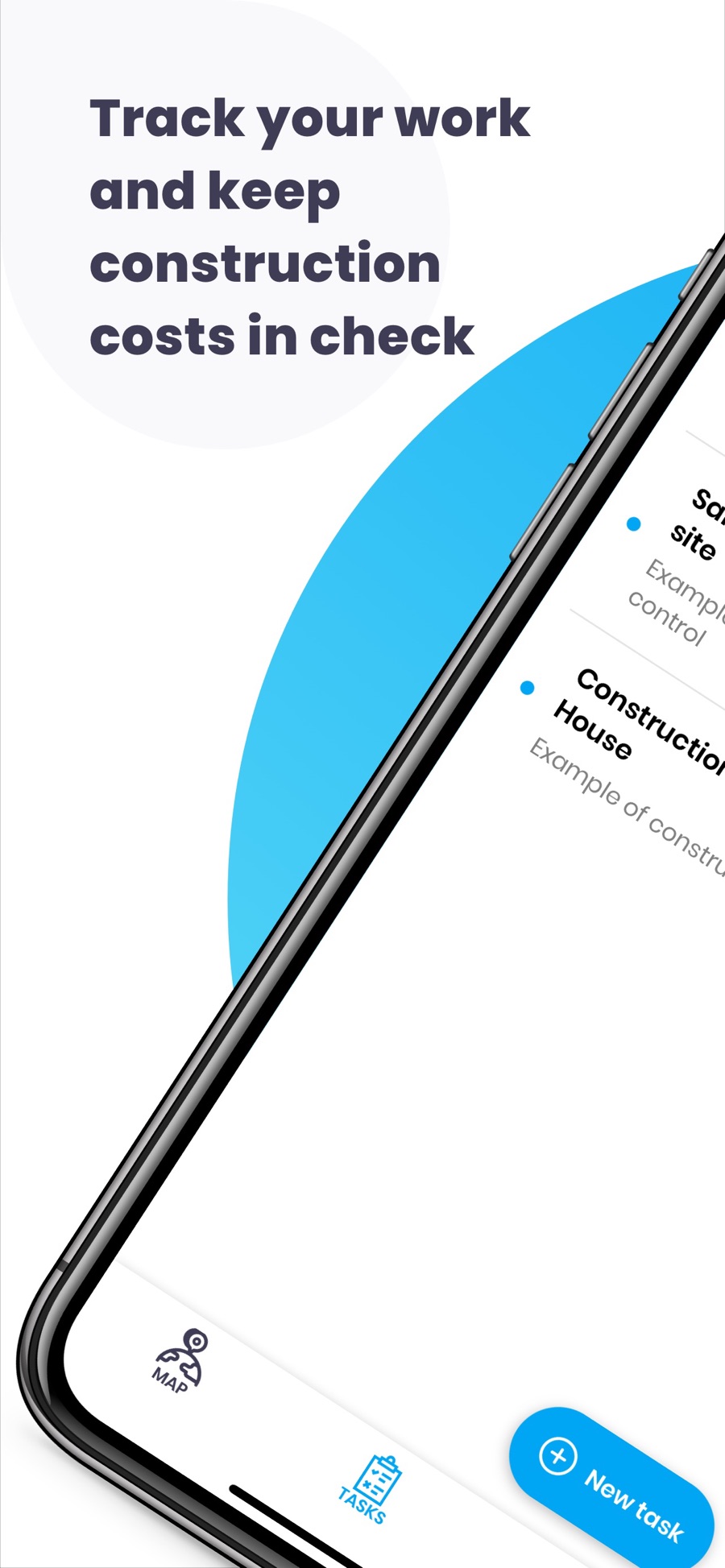
Model: Free construction app
Entry: Free, no paid tier
Included: Core site documentation and task management at no cost
The catch: A genuinely free app for solo operators and very small crews. Expect less depth and support than the paid tools below
Source: apps.apple.com/us/app/mela-works-construction-app
Source: capterra.com/construction-management-software (verified 2 September 2026)
Bluebeam Revu
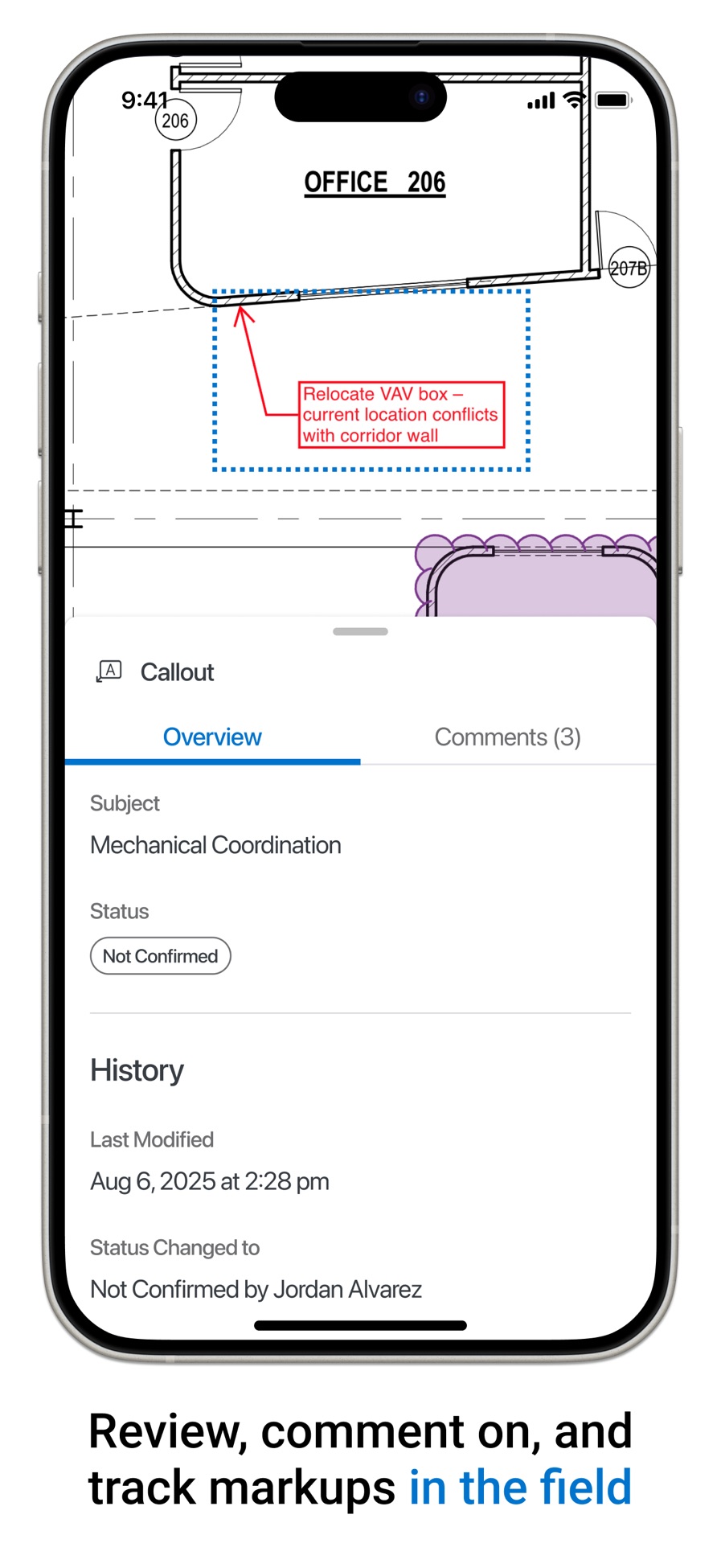
Model: Per user, per year
Entry: Basics $260 per user/yr
Higher tiers: Core $330, Complete $440, Max $590 per user/yr
Included: PDF creation, markup and basic measurements on Basics
The catch: Billed yearly, with no monthly option. The new AI features sit in the top Max tier, a clean example of the 2026 pattern of AI priced as a separate SKU
Source: apps.apple.com/us/app/bluebeam
Source: bluebeam.com/pricing (verified 2 September 2026)
Jobber
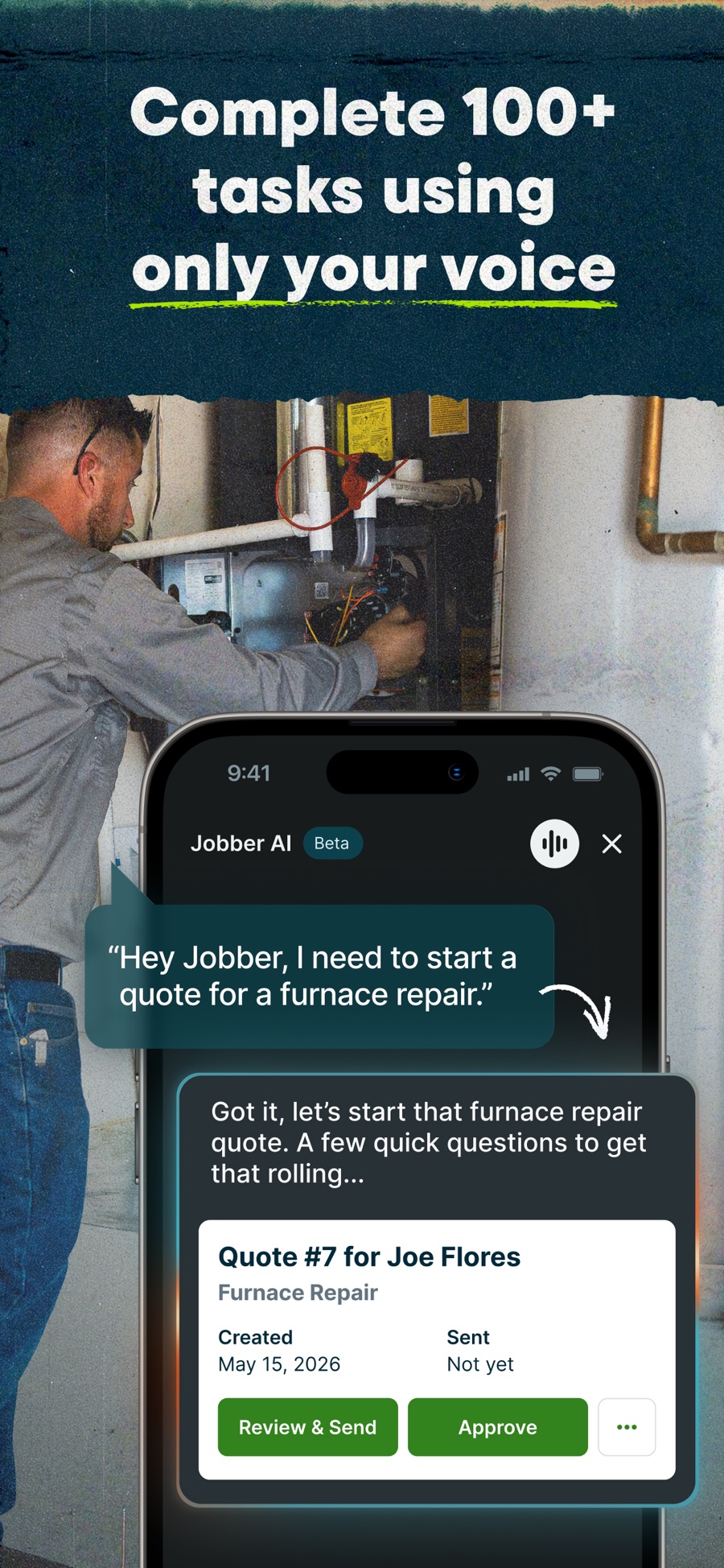
Model: Tiered, plus per user
Entry: Core $29/mo on annual ($49 monthly), one user
Higher tiers: Connect $99, Grow $149, Plus $399, all on annual ($199 / $299 / $499 to $699 monthly). Extra users $29/mo each
Included: Scheduling, invoicing and client management for one user on Core
The catch: Paying annually cuts the Core rate 40 percent, from $49 to $29, steeper than Jobber’s advertised up to 25 percent. A field-service tool, lighter on construction project management than the all-in-one platforms
Source: apps.apple.com/us/app/jobber-field-service-software
Source: getjobber.com/pricing (verified 2 September 2026)
PlanRadar
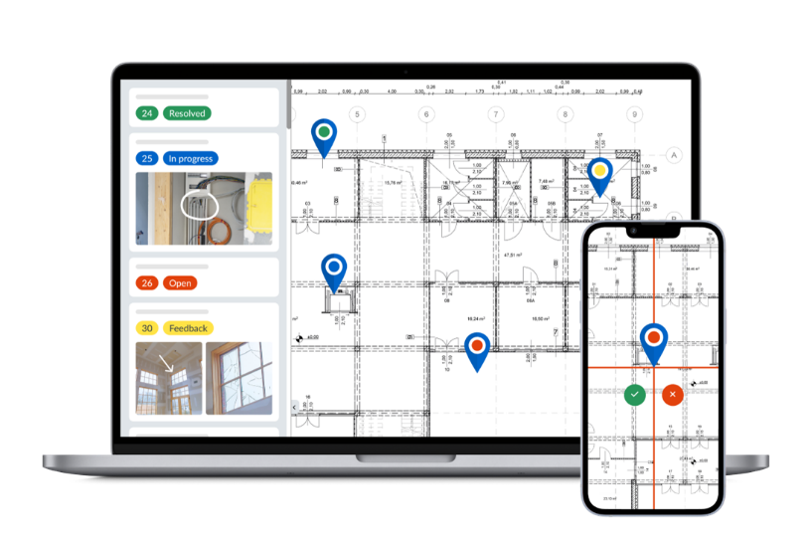
Model: Per user, per month, tiered
Entry: Basic $32 per user/mo billed annually ($35 monthly), one user
Higher tiers: Starter $107 ($119 monthly), Pro $159 ($179 monthly), Enterprise on quote
Included: Field and site management, QA and defect tracking, with unlimited free subcontractors and watchers on every plan
The catch: No free version, but a 30-day trial with no credit card. The entry tier is capped at one paid user
Source: planradar.com/us/pricing (verified 2 September 2026)
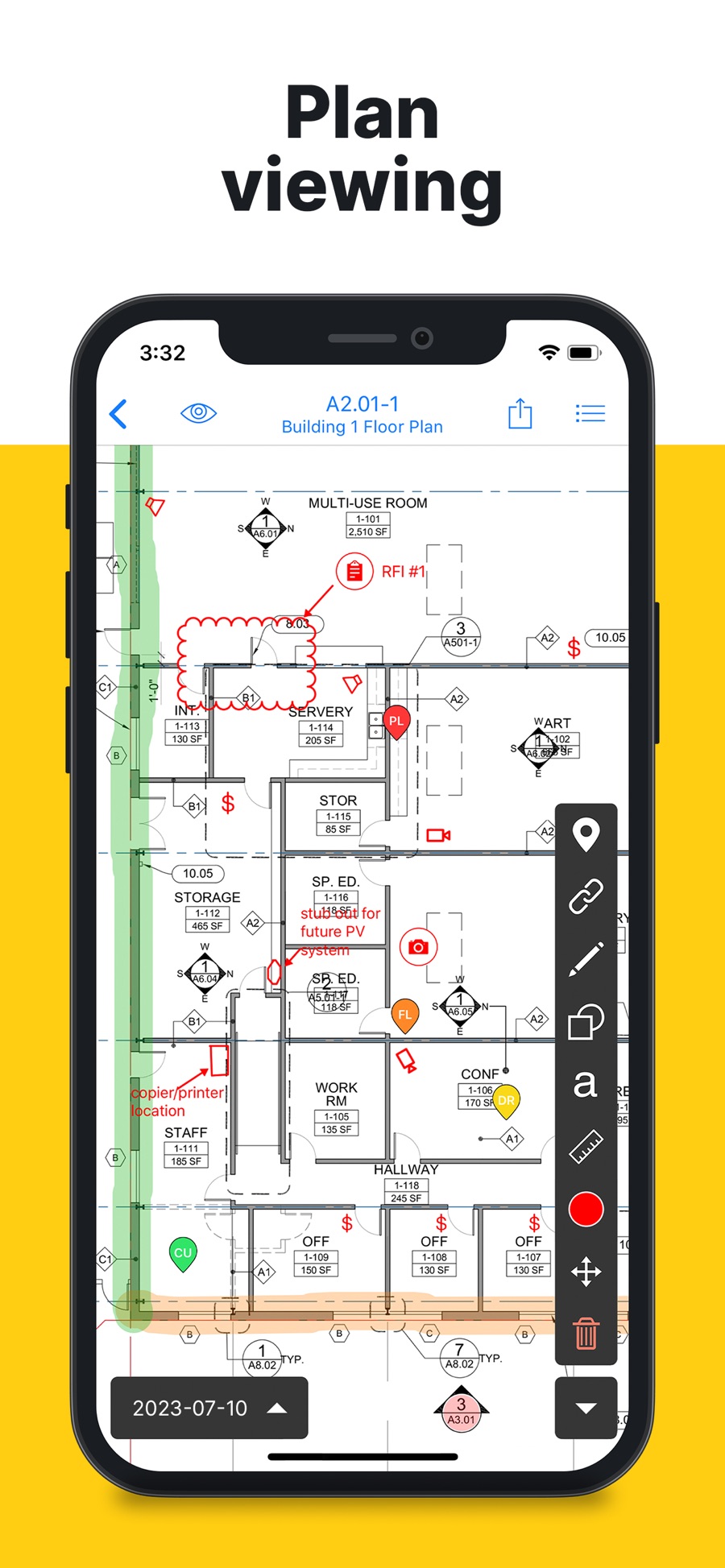
Fieldwire
Model: Per user tiers, plus a free tier
Entry: Basic free for 5 users, 3 projects, 100 sheets
Higher tiers: Pro $39, Business $64, Business Plus $89 per user/mo billed annually
Included: Field and site management, unlimited projects and sheets from the Pro tier up
The catch: One guide lists Business Plus at $104, about 17 percent higher, and that is the tier a mid-size field team would actually buy
Source: apps.apple.com/us/app/fieldwire-construction-app
Source: fieldwire.com/pricing (verified 2 September 2026)
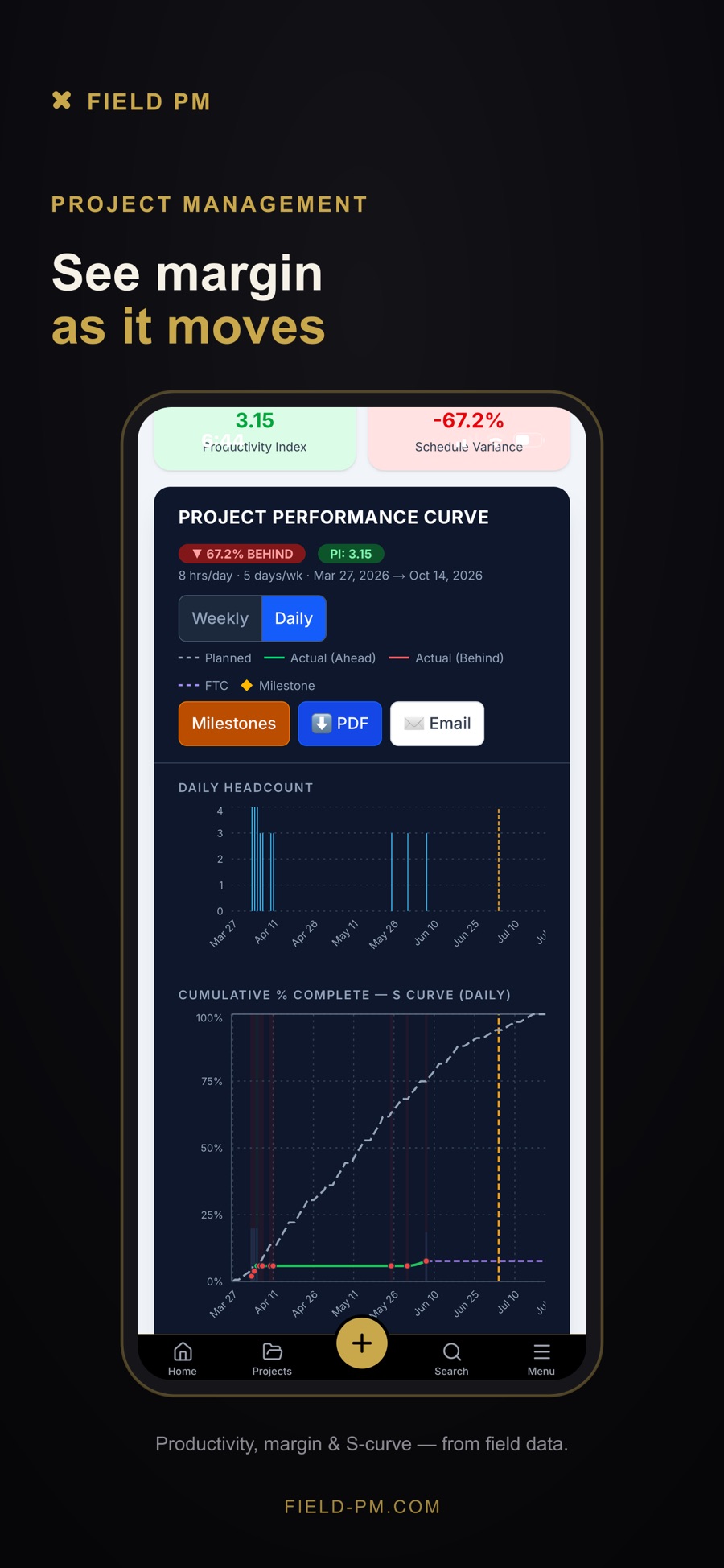
Field PM
Model: Flat tiers by user count, free field users
Entry: Contractor Lite $49/mo, 5 users. Yearly saves 10 percent (~$44/mo).
Higher tiers: Contractor $149 (15 users), Plus $299 (30), Pro $549 (60), Premier $849 (120). Service Dispatch and Time Clock priced separately
Included: Foremen, QA and safety officers and subs are free. Non-Lite tiers bundle four add-on modules listed at $116/mo
The catch: Field PM’s own guide still says $99/mo construction and $49/mo service, the top tier is roughly eight times the figure they still quote. A clean example of how fast vendor-published figures rot
Source: apps.apple.com/us/app/field-pm
Source: field-pm.com/pricing (verified 2 September 2026)
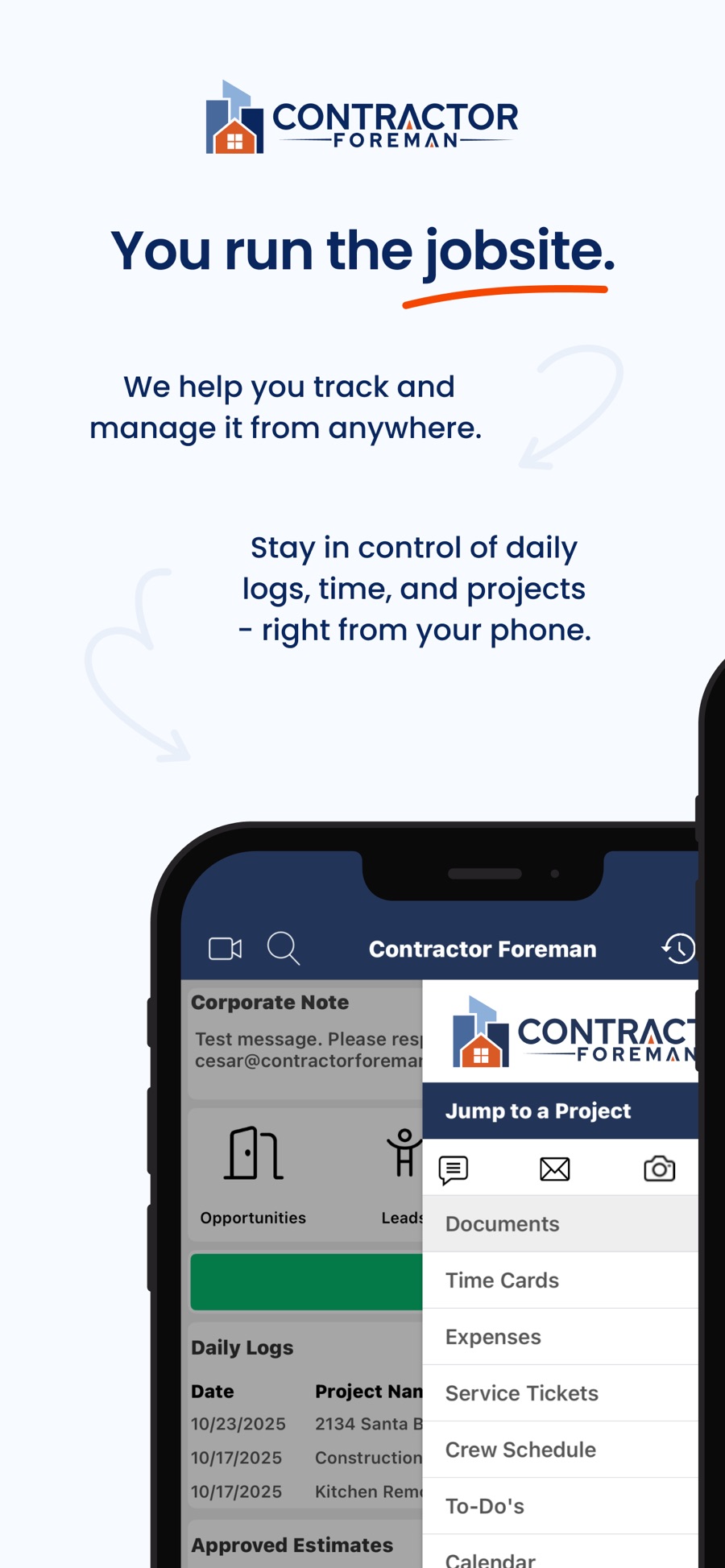
Contractor Foreman
Model: Tiered by included user count, one company-wide fee per tier
Entry: Basic $49/mo ($588/yr), one user
Higher tiers: Standard $105 (3 users), Plus $166 (8), Pro $221 (15), Unlimited $332. Quarterly billing costs more
Included: Full project management, financials, documents and reports even on Basic
The catch: 30-day trial plus a 100-day money-back guarantee. Three incompatible tier tables circulate elsewhere, and every published middle-tier figure except this one is stale by up to 35 percent
Source: apps.apple.com/us/app/contractor-foreman
Source: contractorforeman.com/pricing (verified 2 September 2026)
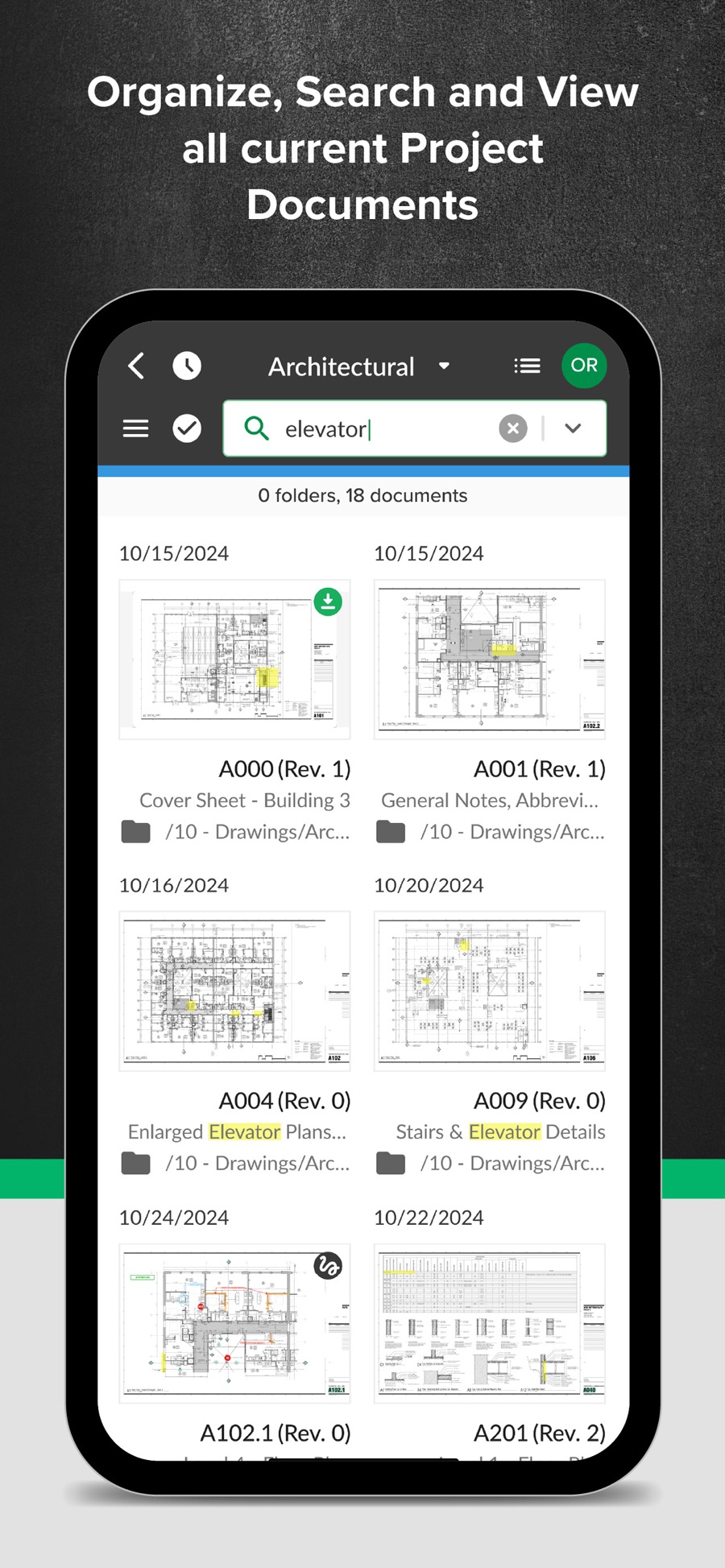
STACK
Model: Per user, per month, by product line
Entry: Build & Operate from $49 per user/mo
Higher tiers: Takeoff & Estimate from $249 per user/mo, full platform from $298 per user/mo
Included: Plan viewing, issues and workflows on Build & Operate. A free version of Takeoff & Estimate
The catch: The $49 figure other guides quote is the cheapest module. A takeoff buyer, the reason most people look at STACK, actually pays $249, five times that
Source: apps.apple.com/us/app/stack-construction-management
Source: stackct.com/pricing (verified 2 September 2026)
Housecall Pro
Model: Tiered, plus per user
Entry: Basic $59/mo on annual ($79 monthly), one user
Higher tiers: Essentials $149 ($189 monthly, 5 users), Max $299 ($329 monthly, 8 users)
Included: Scheduling, dispatch and invoicing on Basic
The catch: Extra-user fees of $75 to $100/mo on the paid tiers are among the steepest in the field and go unmentioned in other guides

Source: apps.apple.com/us/app/housecall-pro
Source: housecallpro.com/pricing (verified 2 September 2026)
BuildBook
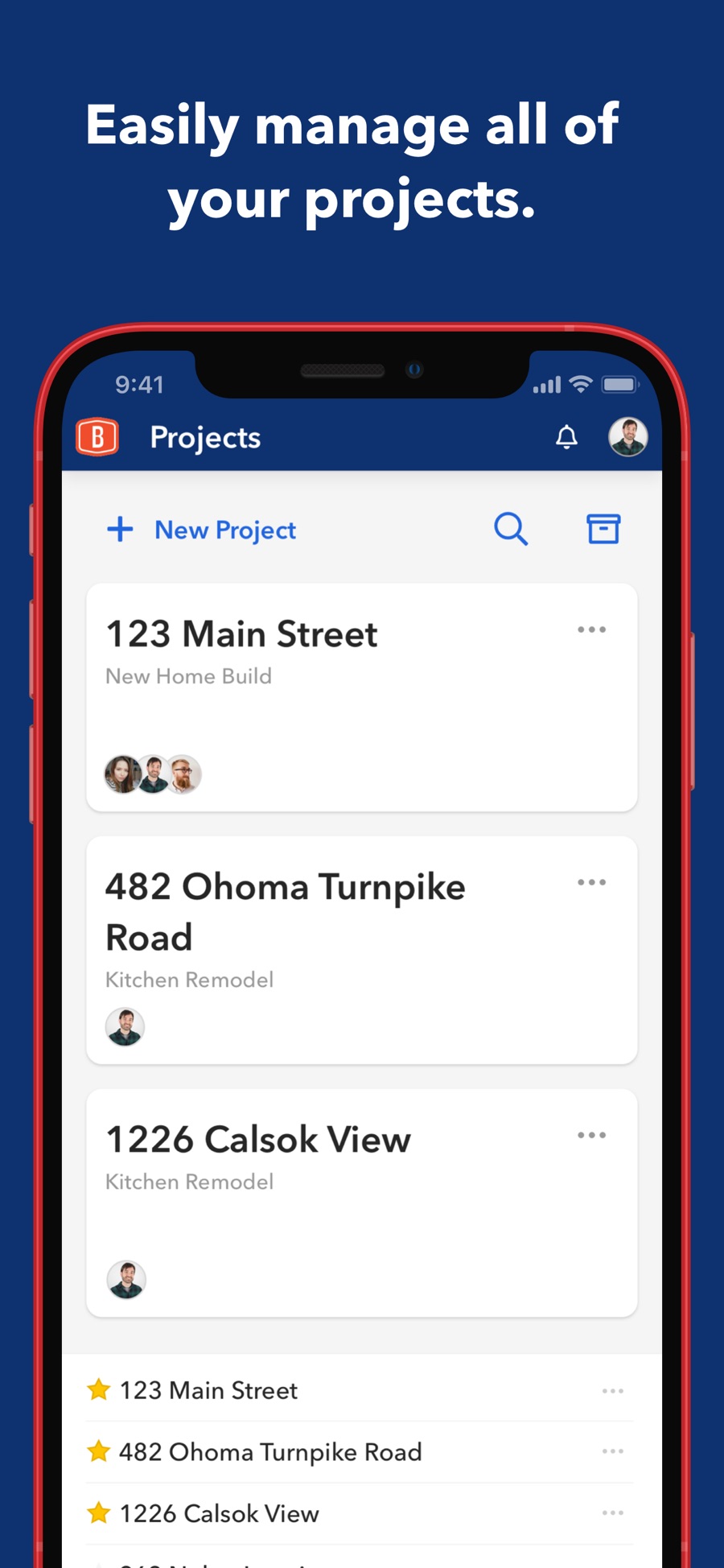
Model: Tiered by user count
Entry: Solo $79/mo annual ($99 monthly), one user
Higher tiers: Team $149 annual ($179 monthly, 2 to 9 users), Business from $249 ($299 monthly). Extra users $20/mo
Included: Unlimited projects, clients and subs even on Solo
The catch: 10-day trial. Two of the biggest guides in the field report BuildBook’s price as unavailable when it is published in full on the vendor’s site
Source: apps.apple.com/us/app/buildbook
Source: buildbook.co/pricing (verified 2 September 2026)
Houzz Pro
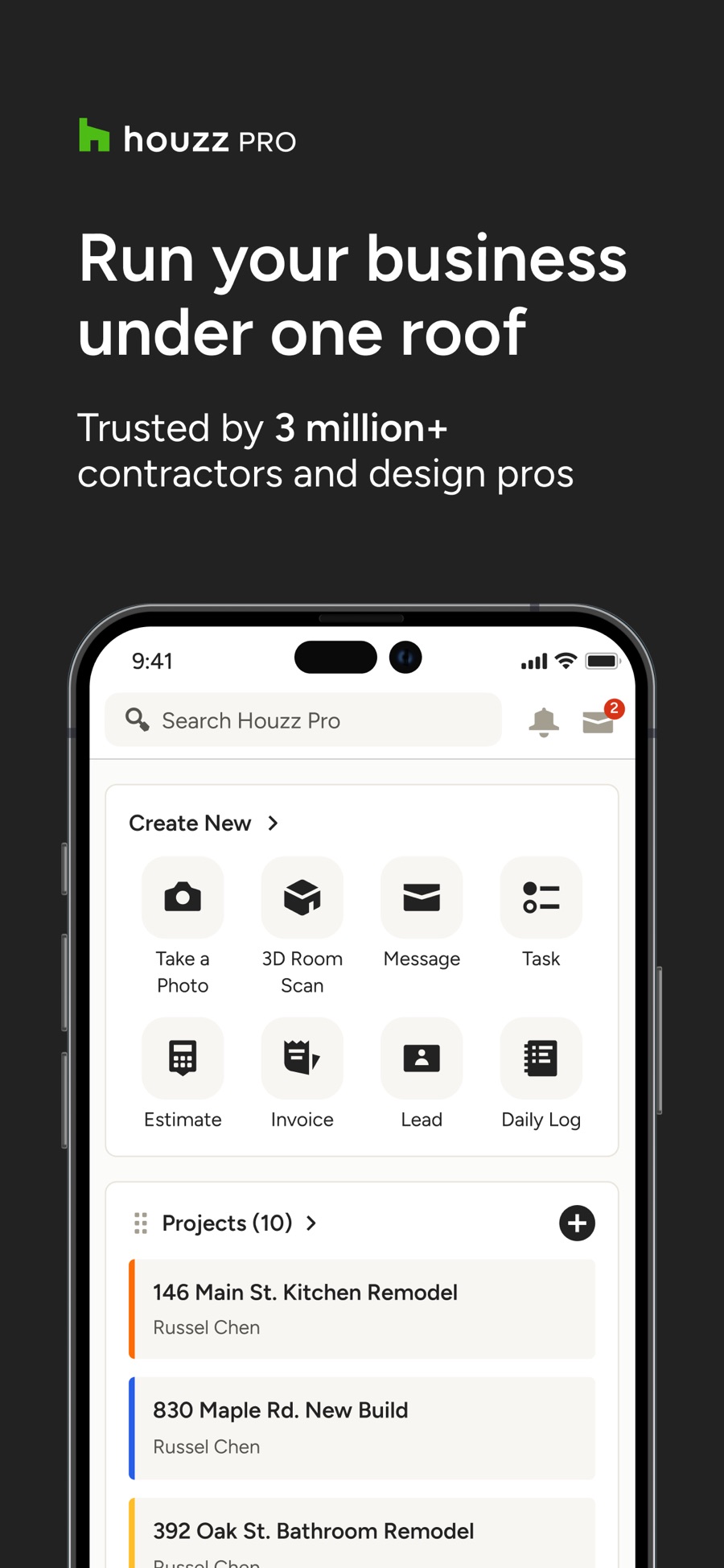
Model: Free plan, then flat monthly, with per-user add-ons
Entry: Design $99/mo; free plan at $0
Higher tiers: Pro $199/mo, Teams from $399/mo (unlimited users). Additional users $50/user/mo on Design and Pro
Included: 3D floor planner, estimates and invoicing on the free plan
The catch: Design and Pro include one seat only, with extra users at $50/mo, so a small team’s real cost climbs well above the $99 headline. Older tier names and prices still circulate in other guides but no longer match Houzz’s current Design, Pro and Teams ladder
Source: apps.apple.com/us/app/houzz-pro
Source: houzz.com/pro (verified 2 September 2026)
JobTread
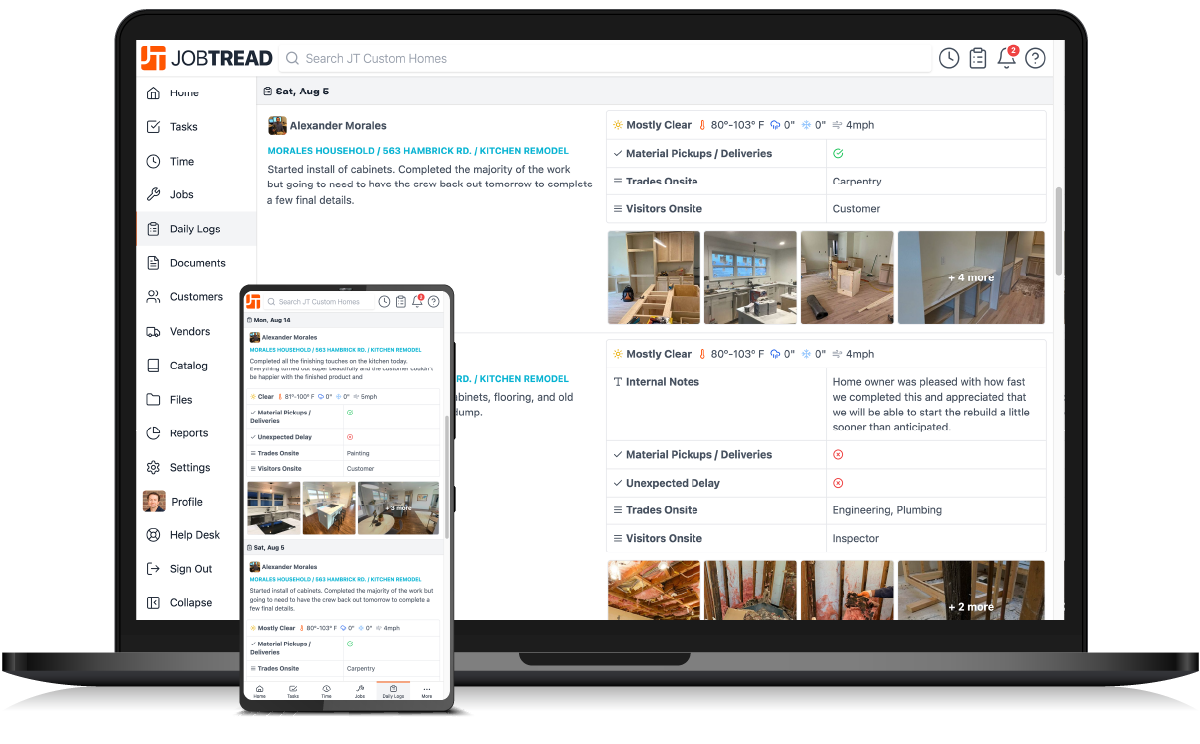
Model: Base fee for the first user, then tiered per-user rates
Entry: $199/mo covers the first user (or $159/mo on annual)
Higher tiers: Extra internal users at $20 each for users 2 to 10, then $15 (11 to 20), $10 (21 to 30) and $5 (31 and up) as you scale (on annual: $16 / $12 / $8 / $4)
Included: All features, no contract, no setup fees, and unlimited free portal access for subs, vendors and customers
The catch: $159 per user per month is the annual base fee for one user, not a per-user rate. A ten-user team runs about $3,600 a year on annual billing, not the roughly $19,000 that reading implies
Source: jobtread.com/features/daily-logs
Source: jobtread.com/pricing (verified 2 September 2026)
Buildxact
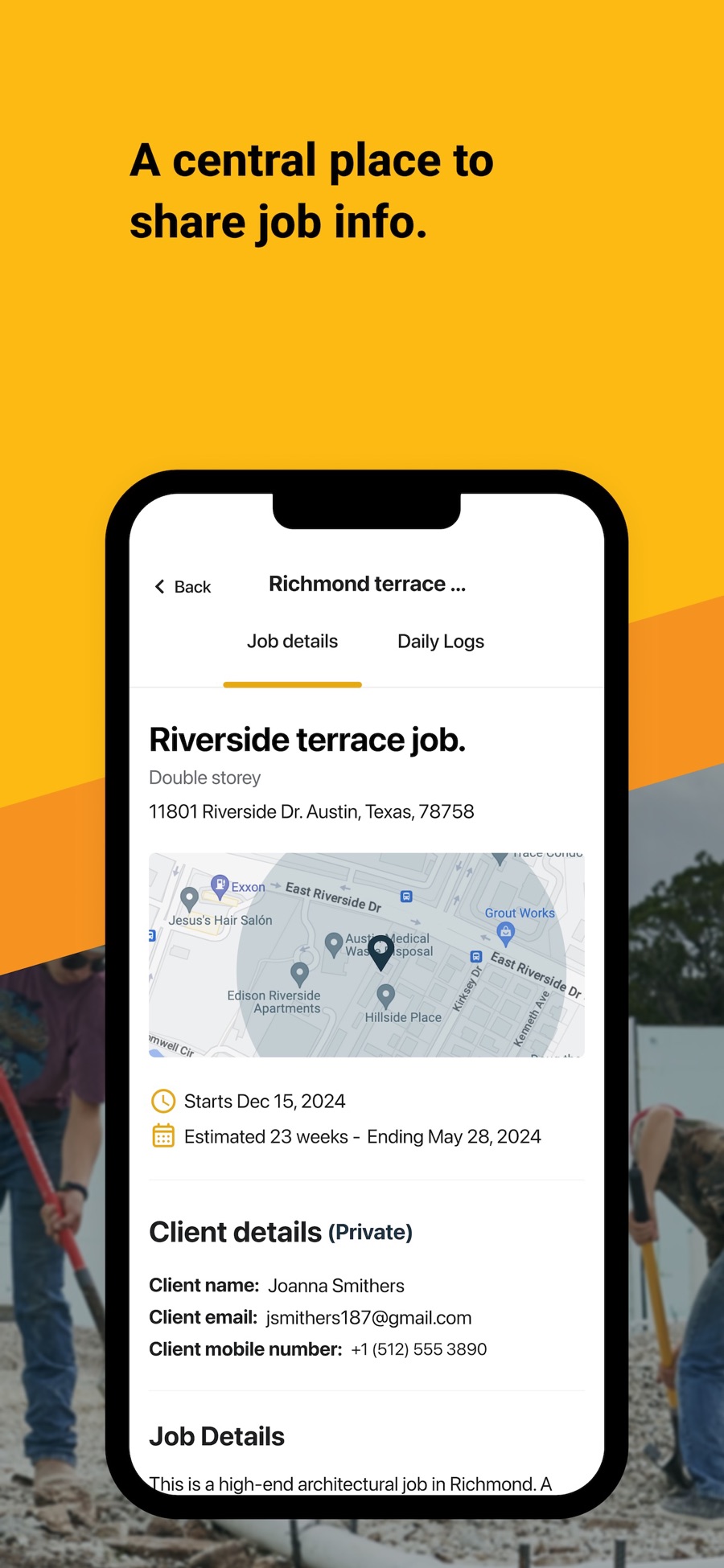
Model: Tiered, unlimited users
Entry: Foundation $169/mo annual ($199 monthly)
Higher tiers: Pro $339 ($399 monthly), Master $509 ($599 monthly). Blu AI add-ons $99 to $149/mo
Included: Lead management, digital takeoffs, training and support, unlimited users. A free Go plan with 5 AI credits
The catch: The published guides get the $169 entry right but none show the higher tiers or the AI add-on cost, which is where an estimating team’s real bill sits
Source: apps.apple.com/us/app/buildxact-onsite
Source: buildxact.com/us/pricing (verified 2 September 2026)
Buildern
Model: Tiered, plus per seat
Entry: Starter $250/mo, 2 paid seats included
Higher tiers: Professional $400/mo (4 seats), extra seats $90 to $100, Enterprise on quote above 30 seats. Yearly saves 10 percent
Included: Unlimited free field workers, clients, subs and vendors, no contracts, no training or setup fees
The catch: 7-day trial. Buildern’s own article names the three plans but withholds every figure its own pricing page publishes
Source: apps.apple.com/us/app/buildern
Source: buildern.com/pricing (verified 2 September 2026)
Premier Construction Software
Model: Per user, per month, plus implementation
Entry: $349 per user/mo billed annually (Starter)
Higher tiers: Higher tiers on quote
Included: Construction ERP and accounting on the Starter tier
The catch: Implementation starts at $15,000 on top, which more than doubles year-one cost for a small team and is the number worth surfacing, not the per-user rate

Source: premiercs.com/features/field-mobile
Source: premiercs.com (verified 2 September 2026)
ConstructionOnline (UDA)
Model: Flat annual tiers, unlimited users
Entry: RS Professional $4,750/yr ($396/mo), annual contract required
Higher tiers: RS Team $9,750/yr, RS Business $15,500/yr, RS Enterprise from $37,500/yr
Included: Estimating, scheduling, daily logs, 150 GB storage, unlimited users
The catch: No monthly option and no free trial. An older per-user figure of $100 a month circulates, which is the wrong shape: a three-person shop expecting about $3,600 a year actually faces a $4,750 floor
Source: apps.apple.com/us/app/constructiononline
Source: us.constructiononline.com/pricing (verified 2 September 2026)
Projul
Model: Flat rate annual, no per-user fees
Entry: Core $4,788/yr ($399/mo), annual billing only
Higher tiers: Core+ $7,188/yr, Pro $14,388/yr with unlimited users
Included: Unlimited projects, up to 20 subcontractor profiles on Core, and a Premium Support Package, listed at $4,500, included free
The catch: No free trial, demo only. Projul’s own guide omits the Core+ middle tier, which makes its cheap-versus-expensive comparison look starker than it is
Source: projul.com/features/to-dos-and-daily-logs
Source: projul.com/pricing (verified 2 September 2026)
Procore
Model: Percentage of annual construction volume, unlimited users, quote only
Entry: No figure published
Higher tiers: Bundles built per company type, all quoted
Included: Annual contract, unlimited users and data, priced from a questionnaire on company type and annual construction volume
The catch: Competitor guides quote anything from $4,500 to $200,000 a year for Procore, none of it checkable, though our own working range starts nearer $10,000. Procore cannot be priced without a quote.
Source: apps.apple.com/us/app/procore
Source: procore.com/pricing (verified 2 September 2026)
Autodesk Construction Cloud / Build
Model: Per user plus project and account bundles, quote only
Entry: No figure published
Higher tiers: Three bundles: Model Management, Preconstruction, Construction Operations, all quoted
Included: Get a Quote across all bundles, with a 30-day money-back guarantee and no free trial
The catch: Older guides still list $95 per user per month in some places and $1,680 a year in others. Autodesk no longer publishes a per-user rate
Source: apps.apple.com/us/app/autodesk-construction-cloud
Source: construction.autodesk.com/pricing (verified 2 September 2026)
Buildertrend
Model: Flat rate tiers, unlimited users, quote only
Entry: No figure published
Higher tiers: Not published
Included: A custom quote form (builder type, annual construction volume, contact details), 10 percent off if paid annually upfront, unlimited users and projects
The catch: Five different tier tables circulate, from $299 to $1,099 a month, and the vendor confirms none of them. The biggest name in residential publishes no price, and every guide quoting one is guessing
Source: apps.apple.com/us/app/buildertrend
Source: buildertrend.com/pricing (verified 2 September 2026)
Adjacent and specialist tools
A few tools in the table sit outside the core construction management comparison. ServiceTitan, the enterprise field-service option, is per technician and quote only, and JobNimbus and Raken are likewise quote-based. They overlap with construction management for trade contractors but are not priced here.
At the enterprise end, InEight and Oracle Aconex are both quote-based and modular, typically landing between $25,000 and $250,000 a year once implementation is included.
Cost by company size
The honest answer to what you should expect to pay depends on the size of the operation. Four broad brackets cover most buyers.
Solo operator and very small crews
A free tool or a single paid seat covers most of what you need. Expect $0 to about $100 a month. A free product like Mela, Fieldwire’s free tier, or a one-user plan on Contractor Foreman or BuildBook keeps the whole cost inside a single subscription. The priority is getting off paper and spreadsheets, not buying features you will not use.
Small crew, roughly 2 to 10 people
This is where per-user and flat-rate tools genuinely compete. Expect $100 to $500 a month. A per-user tool at $30 to $50 a seat, PlanRadar or Fieldwire among them, stays cheaper until you pass roughly ten users, at which point a flat-rate residential platform like Contractor Foreman, JobTread or Buildern starts to look better on paper. Watch how each one counts subcontractors: platforms that include them free change the math sharply.
Mid-size contractor, roughly 10 to 50 people
Flat-rate and volume pricing usually win here, and the hidden costs start to matter more than the sticker. Expect $500 to $2,500 a month, or a five-figure annual total once you add estimating, accounting integrations and implementation. This is the bracket where ConstructionOnline, Buildxact and the commercial platforms compete, and where an implementation fee or a renewal-uplift clause can move the real cost more than the headline rate.
Large GC and enterprise
Pricing is quote-based and driven by annual construction volume, not headcount. Expect $10,000 to $250,000 or more a year, with a meaningful implementation line on top. Procore, Autodesk, Premier, InEight and Oracle Aconex live here. At this scale the published figure is almost meaningless, and the work is in the questions you ask, covered below.
Per user versus flat rate
The two dominant models cross over at a predictable point, and no vendor has an incentive to show you where. A per-user tool is cheaper while your team is small, because you pay only for the seats you use. A flat-rate tool is cheaper once your team is large enough that per-user fees would overtake the flat fee. The break-even depends entirely on the per-user rate and the flat fee you are comparing.
As a worked example, take a per-user tool at $40 a seat against a flat-rate tool at $400 a month, using round numbers for clarity.
| Team size | Per-user tool at $40/user/mo | Flat-rate tool at $400/mo | Which is cheaper |
| 3 users | $120/mo | $400/mo | Per user |
| 5 users | $200/mo | $400/mo | Per user |
| 10 users | $400/mo | $400/mo | Break-even |
| 15 users | $600/mo | $400/mo | Flat rate |
| 25 users | $1,000/mo | $400/mo | Flat rate |
Change the inputs and the crossover moves. A cheaper per-user rate pushes the break-even higher, so more teams stay better off per user. Run this with your own finalists and your real headcount. Count the subcontractors you would give access to, because that is what moves the break-even. Do not trust a vendor’s version of the table, which uses numbers chosen to make its own model win.
Hidden and additional costs
The subscription is rarely the whole bill. Eleven cost categories turn up across the market, and the ones specific to 2026 are the ones competitors cover least.
-
- Implementation and onboarding. $500 to $5,000 for a small business, $10,000 to $50,000 at enterprise scale. Premier’s starts at $15,000.
-
- Training and internal labor. The cost of your own people learning the tool. A 20-person team at 8 hours each and $45 an hour is $7,200 before anyone logs a single job.
-
- Data migration. $500 to $5,000, rising to $2,000–$15,000 at enterprise scale, plus data-export fees if you ever leave.
-
- Integrations. Accounting and other connectors are often $20 to $200 a month each.
-
- Add-on modules and AI SKUs. Features paywalled into higher tiers, and AI now often sold as a separate line rather than bundled. Buildxact’s AI add-ons run $99 to $149 a month, for instance.
-
- Support tiers. Priority or dedicated support as a paid upgrade, commonly $50 to $500 a month.
-
- Annual renewal escalation. Renewals are quoted at 5 to 14 percent a year.
-
- Per-seat creep. Paying for subs, vendors and clients who only need to view. Tools that include those users free avoid it entirely.
-
- Productivity dip during rollout. A temporary drop, often cited at 10 to 40 percent over the first 4 to 12 weeks, as the team adjusts.
-
- Hardware and IT. Relevant for on-premise and perpetual-license products that need servers or dedicated machines.
-
- A dedicated administrator. Larger deployments quietly need someone to own the system, a real cost that rarely appears in any quote.
Total cost of ownership
Sticker prices converge once you load the full cost of owning a tool over several years. A three-year total cost of ownership adds the parts a monthly rate leaves out. Run every finalist through the same checklist:
-
- Subscription across three years, at the renewal rate, not just year one.
-
- Implementation and onboarding fees.
-
- Training and the internal labor to get the team fluent.
-
- Data migration in, and data export out if you ever switch.
-
- Integrations and any per-connection fees.
-
- The productivity dip during rollout, costed at your own labor rate.
-
- Renewal uplift compounded across the term.
-
- Support tier upgrades and add-on modules you will actually buy.
A worked example shows why this matters. Take two finalists for a 15-person contractor: a flat-rate platform at $600 a month with a $3,000 implementation, and a per-user tool at $45 a seat, which is $675 a month for the same team, with a lighter $1,000 setup and unlimited free subcontractor access. On the base monthly rate the flat-rate tool looks cheaper. But it charges for 10 subcontractor seats at $15 each a month that the per-user tool includes free, and over three years, at a 7 percent annual renewal, that flips the result: the flat-rate tool runs about $31,900 ($600 a month plus $150 in sub seats, compounded, plus $3,000 implementation) against about $27,000 for the per-user tool ($675 a month compounded, plus $1,000 setup). The tool with the cheaper monthly rate costs roughly $4,900 more by year three. The entire reversal rides on one number: the 10 subcontractor seats the flat-rate tool charges for and the per-user tool includes free. Change that count and the outcome changes with it, which is the whole reason to run the totals on your own figures.
Questions to ask any vendor, and how to read a quote-based price
Take this list into a demo. The answers, in writing, turn a quote-based price into something you can actually compare.
-
- What exactly is in the base price, and which of the features we discussed are in higher tiers or add-ons?
-
- Is this per user, per project, or flat? If per user, who counts as a user: office staff only, or subcontractors and clients too?
-
- What is the implementation fee, and what does it include?
-
- What is the renewal price, and is there a cap on annual increases? Will you put the cap in the contract?
-
- What does it cost to migrate our data in, and to export it if we leave?
-
- Which integrations are included, and which are paid?
-
- Is AI included, or a separate SKU now or later?
-
- Is there a free trial, and does it need a credit card?
For a quote-based price specifically, ask what the quote is a function of. If it is annual construction volume, a small change in how you report that volume can move the number, so understand the formula before you share your figures.
How to tell if a tool is worth the cost
A price is only high or low relative to what it returns. A simple, defensible way to judge worth is to estimate the time the tool saves, cost it at your real labor rate, and set that against the full three-year total cost of ownership rather than the monthly fee.
Work it in four steps. First, estimate the hours saved per person per week, on reporting, chasing information, rework and site visits. Second, multiply by your loaded labor rate and your headcount to get an annual saving. Third, add the value of avoided rework and disputes, which is harder to pin down but often larger than the time saving. Fourth, compare that annual figure against the annualized total cost of ownership. If the saving clears the cost with room to spare, the tool pays for itself, and the exact rate matters less than whether it is used consistently. Digital tools are one of seven levers McKinsey’s Reinventing Construction report says could together raise construction productivity by 50 to 60 percent, though that is a whole-sector ceiling rather than what any single tool returns, so your own numbers are the ones that decide it.
PlanRadar pricing
PlanRadar prices the way this guide argues software should be priced: per user, per month, with the figure published on the website rather than hidden behind a quote. Plans run from Basic at $32 per user per month billed annually ($35 monthly), through Starter at $107 ($119 monthly) and Pro at $159 ($179 monthly), to Enterprise on request. That places the entry tier among the cheapest paid per-user platforms in this comparison.
Two things are worth drawing out against the hidden costs described above. Every plan includes unlimited free subcontractors and watchers, so you pay for your core team and still bring the whole project into the platform, which sidesteps the per-seat creep that inflates other tools. And a 30-day free trial with no credit card lets you test the fit before any spend, against a market where the biggest names publish no price at all. PlanRadar is a platform for digital documentation, communication and reporting across construction, facility management and real estate, used by more than 200,000 users across 75+ countries.
See the full price breakdown here, or book a demo to see how it fits the way your team already works.
See what it would cost for your team
The hardest part of pricing construction software is that most of the market will not tell you the number. A dated, published price and a free trial let you compare on facts rather than quotes.
To see how PlanRadar fits your team and what it would cost, book a demo today and compare pricing options tailored to your needs.